How to Photograph Shrimp: Sharp, Colorful Shots With Your Phone
To your eye, the tank is sparkling and your shrimp are bright red. You pull out your phone and the screen shows a blurry, washed-out shot with your own reflection on top. Sound familiar? Photographing a 2–3 cm (about 1 in) creature that never stops moving, through a pane of glass, is genuinely hard. The good news: you do not need an expensive camera. With a few simple habits, your phone can take shots you will be happy to share.
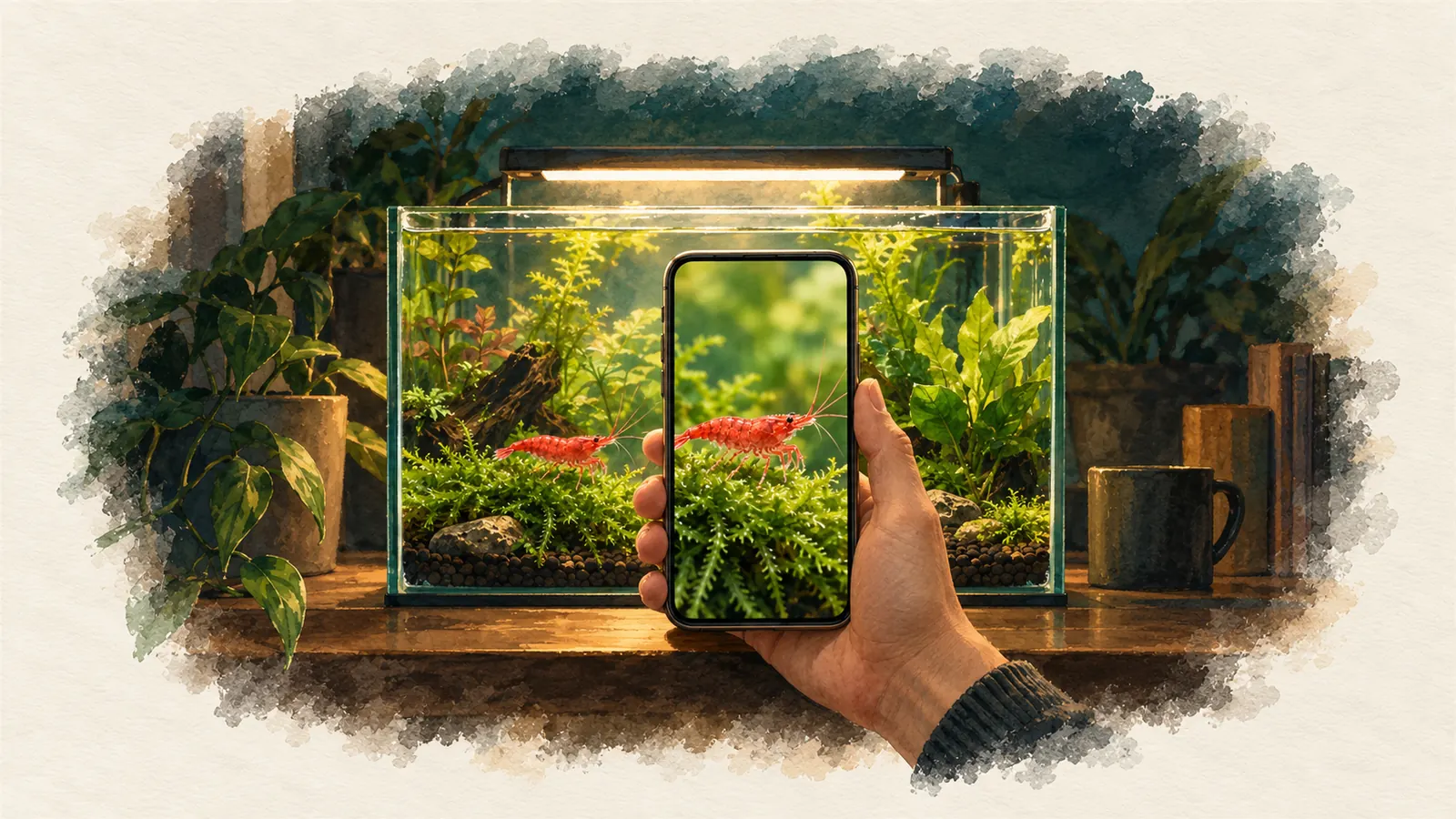
Set the scene first
Half of a good shrimp photo is taken before you press the shutter. Before you pull out your phone, do these three things:
- Clean the glass on both sides. Fingerprints on the outside and a thin film of algae on the inside are exactly what your phone loves to focus on. Wipe the outside with a microfiber cloth and the inside with an algae scraper. If you scraped the inside, wait for the water to clear.
- Pick the right moment. Shoot when the water is at its clearest: a while after a water change, before feeding. After feeding, particles in the water sparkle as if a flash went off.
- Invite your shrimp. Shrimp gather wherever the food is. Put a small feeding dish or a piece of leaf near the front glass and your "models" will walk into frame on their own.
Light: the tank light is enough, turn off the rest
The biggest enemy of aquarium photography is reflection. Room lights, windows and even your light-colored T-shirt show up on the glass like a mirror. The photo guide from ADA, the Japanese aquascaping company, recommends the same thing: turn off the room lights, close the curtains, wear dark clothes, and use a dark phone case too. When the tank's own light is the only light source, reflections almost disappear.
Turn off the flash. The flash bounces off the glass back at you and leaves a white blob in the middle of your shot. A shrimp's thin, semi-transparent body looks flat and dull under flash.
Aquarium lights are often a little dim for macro shots; your phone makes up for it by raising the ISO, which adds slight grain to the image. That is normal. If you want more light, turning your tank light up to its brightest setting is usually enough.
Position: square to the glass, close to the glass
Hold your phone parallel to the front glass, so the camera looks straight through it. Shooting at an angle, especially through thick glass or acrylic, creates a shadow-like second line (a "ghost") and blur. That is why curved and corner panes are the worst choice; shoot through the flat front glass.
Resting the edge of your phone lightly against the glass does two things: it stops light leaking in between, which cuts reflections, and it steadies your hand. You can follow a shrimp by sliding the phone slowly along the glass.
The right way to get closer: macro mode
The first thing most people do to make a small shrimp look big is pinch to zoom. Don't. That digital zoom just crops and enlarges the image; it adds no detail and increases grain. Move the phone closer instead.
Many newer phones have a macro mode for close-ups:
- iPhone: on models that support macro, the camera switches automatically to the ultra-wide camera as you get close and can focus down to about 2 cm. A small flower icon appears on screen. According to Apple's guide, you can turn this automatic switching off in Settings > Camera.
- Google Pixel: on models with macro focus, a flower icon appears as you get close; tap it to turn it on or off.
- Samsung: depending on the model, there is either a separate "Macro" option in the camera menu or a focus enhancer that kicks in automatically when you get close.
If your phone has no macro mode, your best bet is to get as close as it can still focus sharply and crop the photo afterward. Cropping gives much better results than using digital zoom while shooting.
Do clip-on macro lenses work?
Clip-on macro lenses can show an individual shrimp's legs, antennae, even the pattern on its shell. According to manufacturers, 10–15x magnification is the practical range, and the lens focuses sharply at about 1–5 cm from the subject. With stronger lenses you almost have to press against the glass, the depth of field shrinks to millimeters and the light stops being enough. So these lenses take patience: if the shrimp moves even a little, it slides out of frame. Models with their own built-in light make life easier in dim tanks.
Focus and shutter: shrimp don't wait
Lock the focus. If you tap the shrimp on screen and hold for a few seconds, most phones lock focus and exposure on that spot (on iPhone, "AE/AF Lock" appears on screen). That stops the phone from constantly shifting focus to the plant behind it. Tap anywhere else on the screen and the lock is released.
Do not count on one shot. A shrimp's antennae never stop moving, and the shrimp itself changes direction without warning. The tip hobbyists give most often on forums is simple: shoot a lot. Use burst mode, or record a few seconds of video and pick the sharpest frame. Experienced hobbyists say they take 20 shots for one good one.
If the shrimp keeps moving even in burst mode, wait for a moment when it pauses: while eating, resting on moss or "grazing" on the glass, shrimp stay still for a few seconds. That is your moment.
Color: why does your red come out pink and your blue purple?
Plant lights are not white light; they are mixes heavy in red, blue and green. Your phone's auto white balance misreads this light and casts a blue, green or yellow tint over the photo. Red shrimp in particular can "blow out": a shrimp that is actually deep red turns neon orange in the photo, and the fine pattern on its shell disappears.
- When correcting colors, use a white or gray object in the tank (a white stone, the filter body) as your reference, not a plant leaf or the shrimp itself.
- If your phone has a vivid or "bright" color profile, turn it off for shrimp photos; a natural profile keeps reds more realistic.
- Keep edits light. Instead of boosting saturation, a small warmth or tint adjustment is usually enough.
Getting colors close to reality is not just about looks. When you show your shrimp to the community, assess your line or do selective breeding, accurate color means accurate decisions. A heavily filtered photo makes a shrimp look different from what it really is.
Background and composition
- Dark background: putting dark cardboard or a background film behind the tank hides the wall, cables and clutter behind it. Red and yellow shrimp stand out much more against a dark backdrop.
- Shoot from the side: catching a shrimp from the side on moss or a leaf shows how its semi-transparent body catches the light. Shot from above, a shrimp often turns into a small blob.
- Tell a story: a berried female, freshly hatched babies, an empty shell… The photos that get the most attention in the community are often not the most "flawless" ones but the ones that capture a moment.
The most common mistakes
| Mistake | Result | Fix |
|---|---|---|
| Room lights on | Reflections on the glass, washed-out color | Turn off the lights, wear dark clothes |
| Flash on | White glare in the middle | Turn off the flash |
| Pinch to zoom | Grainy shot with no detail | Move closer, then crop |
| Shooting at an angle | Double lines, blur | Shoot square to the glass |
| Dirty glass | Phone focuses on the glass | Clean both sides |
| Trusting auto color | Blue or neon tint | Correct it with a white reference |
| Taking a single shot | Blurry antennae, missed moment | Burst mode or video |
You got the shot, now show it off
If you caught a great shot, share it with the community along with your tank. If you add your water values to the post, another hobbyist looking at your photo will not just say "beautiful," they will learn something from you too. After posting, you can use the "Instagram story" option to show your photo as a ready-made card in your story as well.
Frequently asked questions
Which phone is better for shrimp photos?
A phone with a macro mode makes things easier, but it is not essential. Light, shooting square to the glass and patience make more of a difference than your phone model.
Should I move my shrimp to a separate container for photos?
Some photographers use a small, flat-sided "photo tank." But catching and moving a shrimp with a net causes stress; leave berried females and shrimp that are about to molt alone in particular. Most of the time, waiting patiently in their own tank gives better results.
Should I go for video or photos?
Video for moments with movement. A molt, a group eating or a mating dance comes across much better on video. If you want a single sharp shot, grabbing a frame from a video is also a good method.
Sources
- ADA Aqua Journal: tips for photographing aquariums (aquascaping company)
- Apple: macro photos on iPhone (official guide)
- Google Store: Pixel macro focus (official)
- Digital Photography School: clear photos at aquariums (photography guide)
- Nikon: taking photos at the aquarium (manufacturer guide)
The values and advice in this guide reflect what is widely accepted in the shrimp hobby. They can vary with the line, your water and the breeder your shrimp came from. Make changes to your tank in small steps.